Bux
Project
Investment Plans
My Role
Senior Product Designer
Industry
Fintech
Timeline
February 2026 · 7 Days
Overview
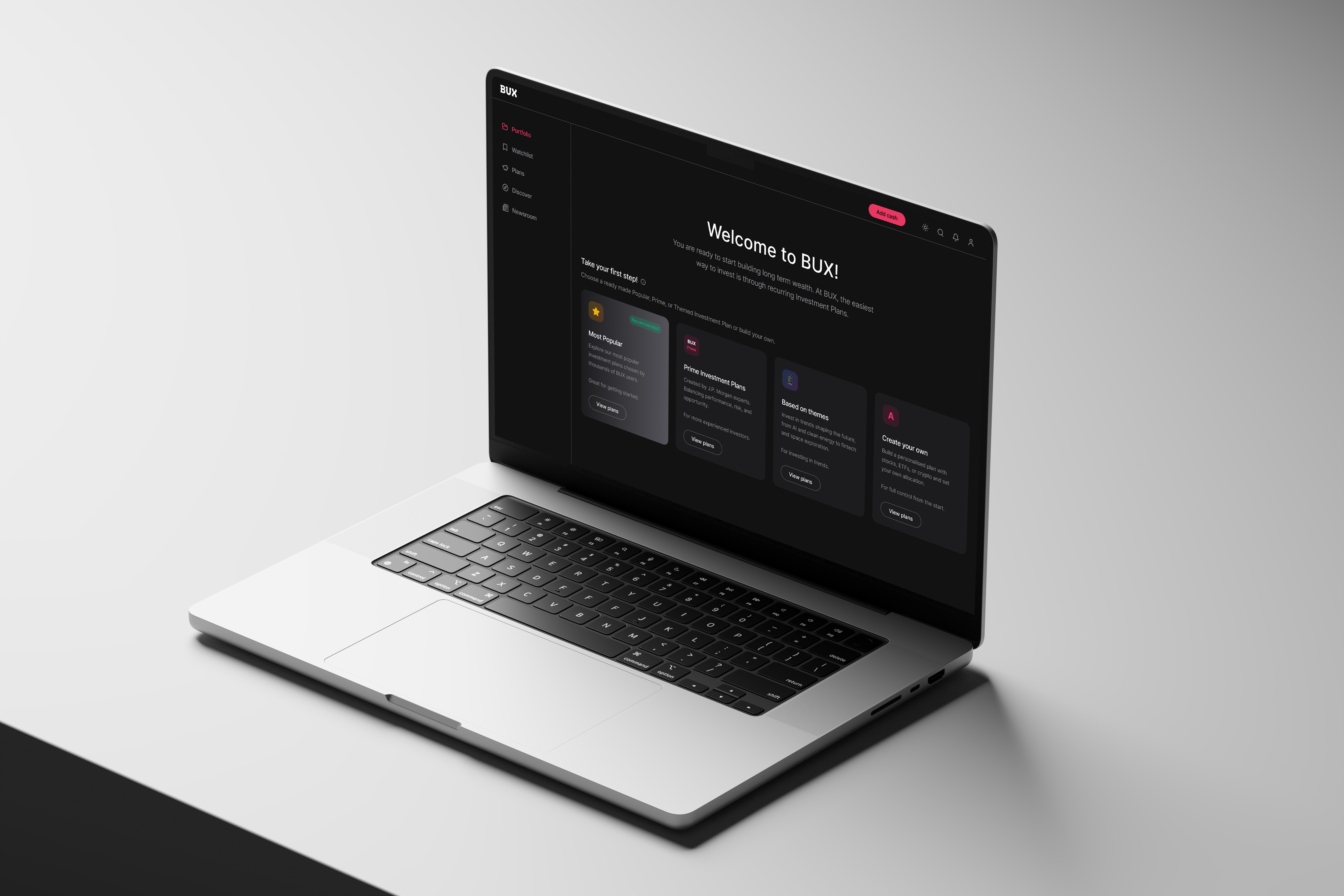
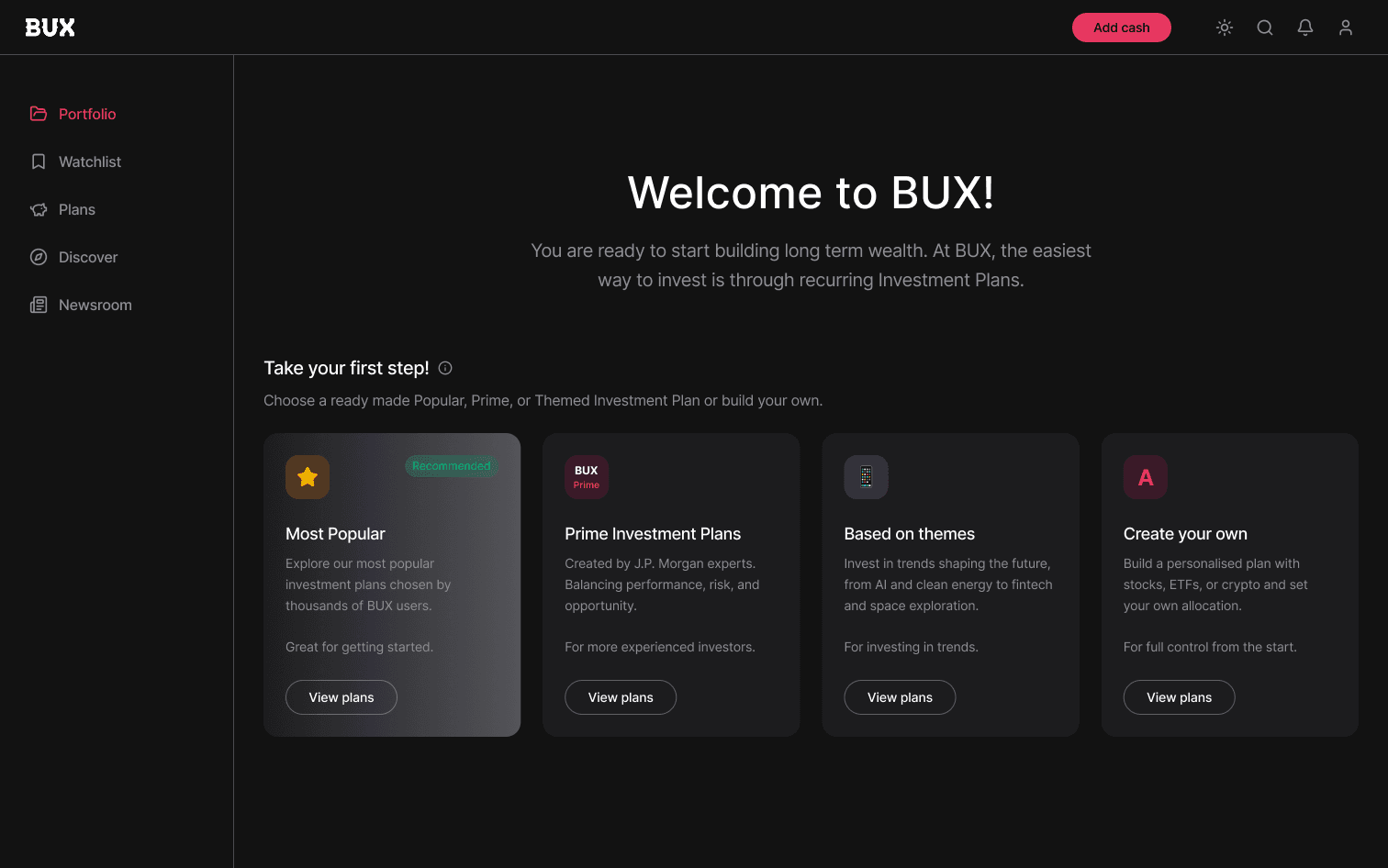
BUX is a European retail investing platform. Investment Plans, a recurring investing feature, already existed on mobile. The web platform supported onboarding, discovery, and trading, but recurring investing was absent entirely. This project was a zero-to-one expansion: bringing Investment Plans to desktop, designed from scratch in seven days.
Goal
Extend recurring investing to web, long-term usage, scalable complexity
Problem
Desktop users face friction when mobile patterns are applied, with sequential steps, limited overview, lost context, and overly brief content reducing clarity and confidence.
Oppurtunity
Desktop enables a more confident, planning-focused experience by consolidating steps, allowing side-by-side configuration and preview, and supporting richer detail and comparison without clutter.
Users
New Investor
Needs: Reassurance & guidance
Unfamiliar with recurring investing. Needs to understand what a plan is before committing — and to trust that they won't be stuck with a bad choice.
Returning Investor
Needs: Quick overview & edits
Already invested on mobile. Comes to web expecting a familiar mental model — wants to check performance and make adjustments efficiently.
Power User
Needs: Comparison & control
Manages multiple plans. Wants to compare allocations, understand costs deeply, and have fine-grained control — without extra steps to get there.
Assumptions (Desktop)
What changes when someone sits down at a computer?

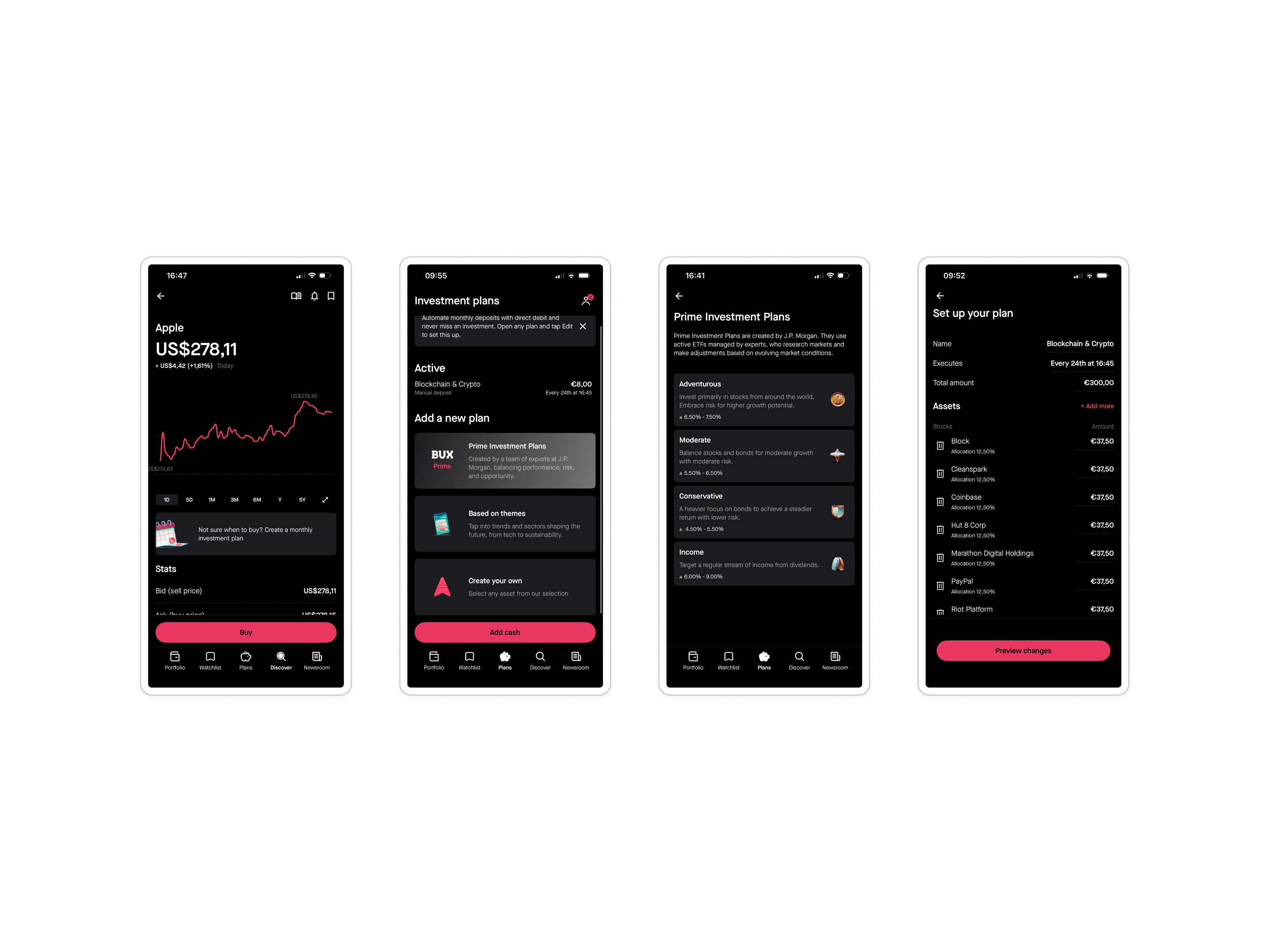
Flow 1: Discover (Friction & Decisions)
Moments of friction
“Do I trust recurring investing?”
“What even is an Investment Plan?”
“There are many plan choices. Where should I start?”
Critical decisions
Do I need an Investment Plan?
Can I explore before paying?
Should I explore plans or build my own?
UX Response
Lightweight educational intro for each plan
Clear, side by side comparisons
“Easy” as a safe default
Quick plan comparison via tab switcher
Low commitment exploration before payment
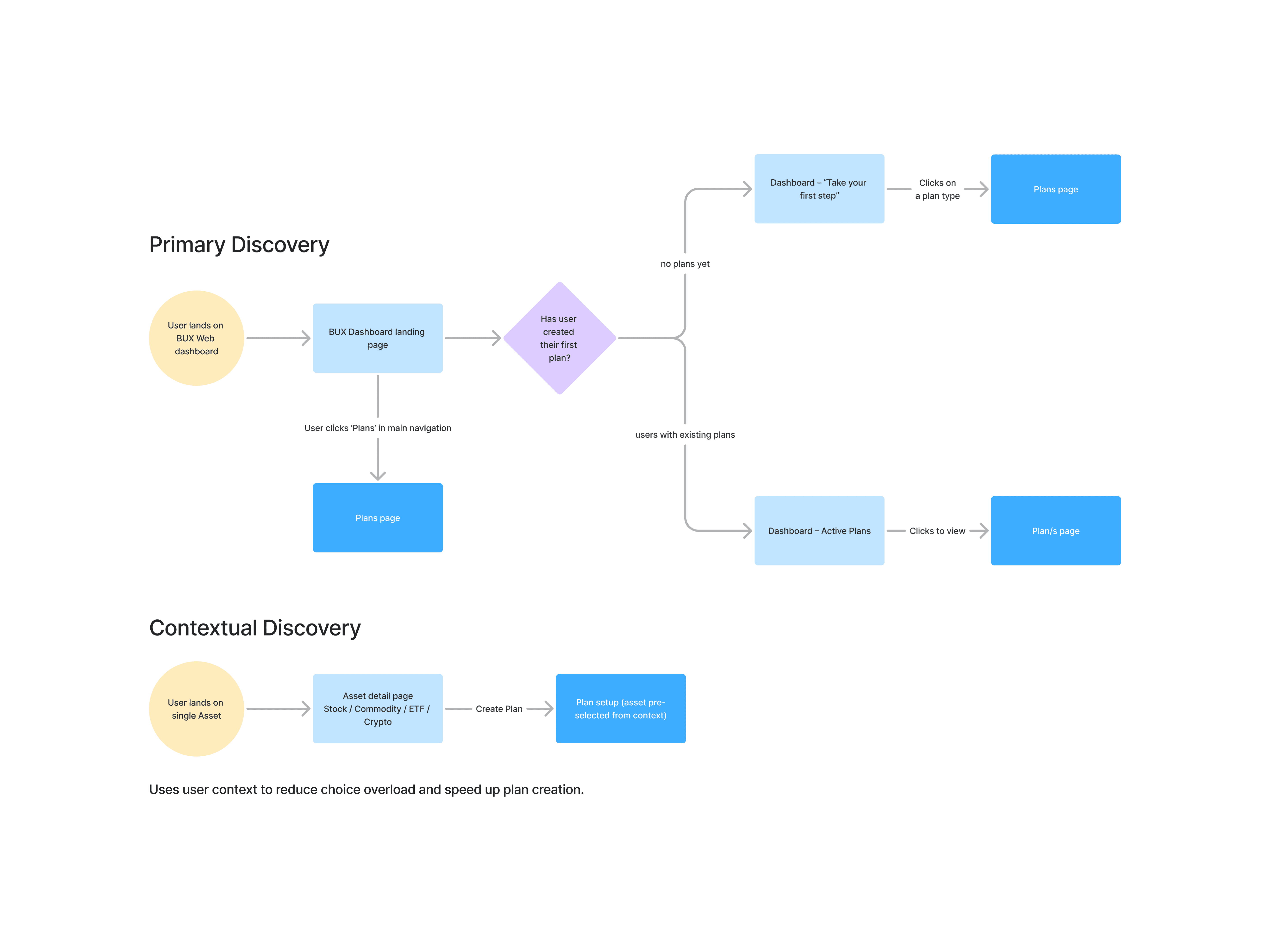
Flow 2: Set-up (Friction & Decisions)
Moments of friction
“Fear of committing to recurring payments
Uncertainty about asset allocation
Confusion about costs and mandate
“If I select an example plan will I be stuck with it?”
Critical decisions
Is this allocation right for me?
Am I ready to commit monthly?
Should I adjust before confirming?
Is this the plan I want?
UX Response
Live plan preview during setup
Cost transparency (no surprises)
Clear confirmation and reassurance copy
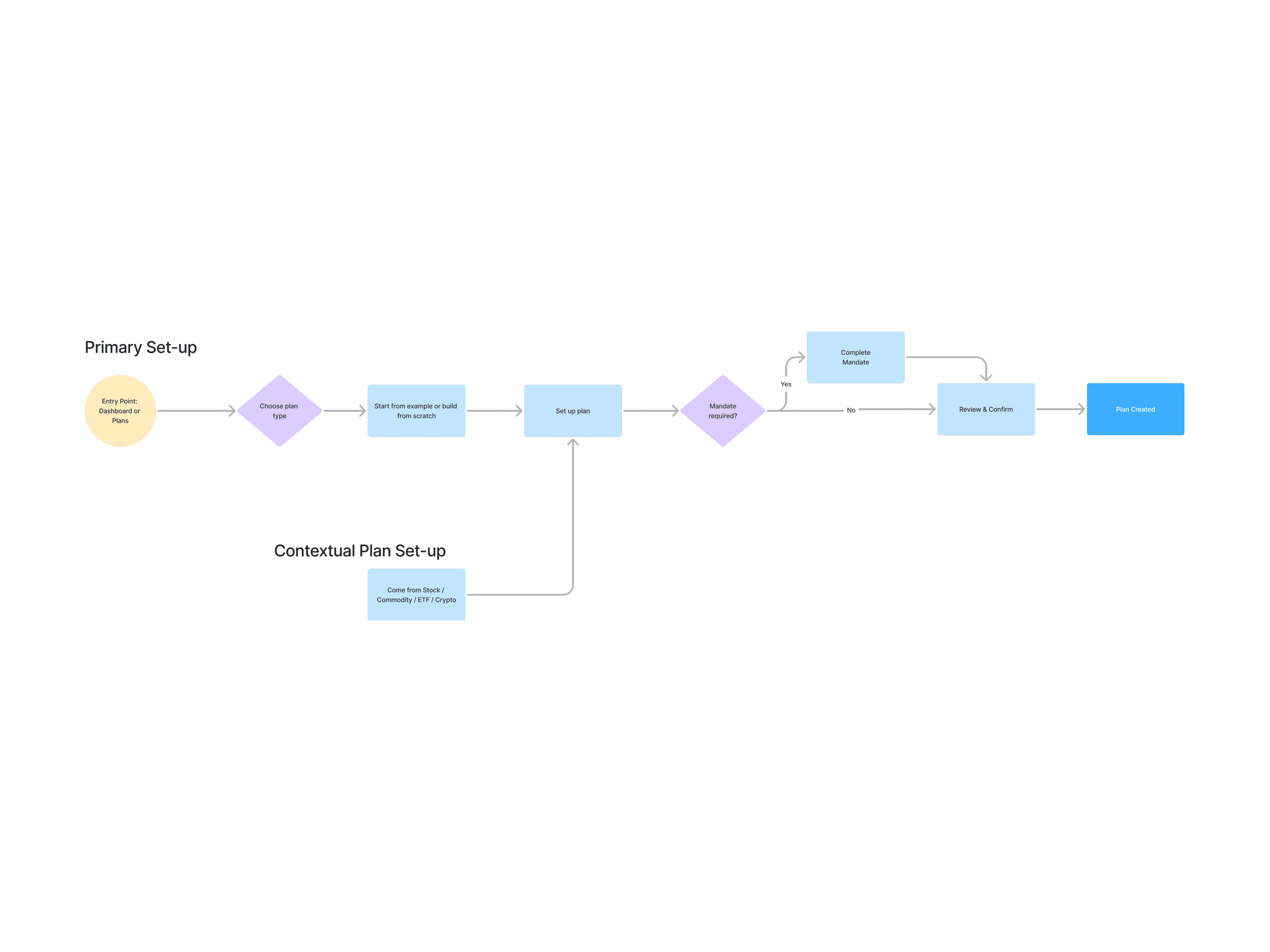
Flow 3: Friction & Decisions
Moments of friction
“Fear of “breaking” an existing plan
Unclear impact of changes
“Am I saving my changes or creating a new plan?”
“Can I undo this later?” “Is my plan doing well?”
Critical decisions
Should I modify or leave my plan as it is?
Is it safe to change my recurring setup?
UX Response
Clear overview cards (so users can assess performance)
Inline editing (low friction exploration)
Preview of changes before saving (no surprises)
Clear, guided steps (so changes feel safe)
AI analysis (context on performance + suggestions)
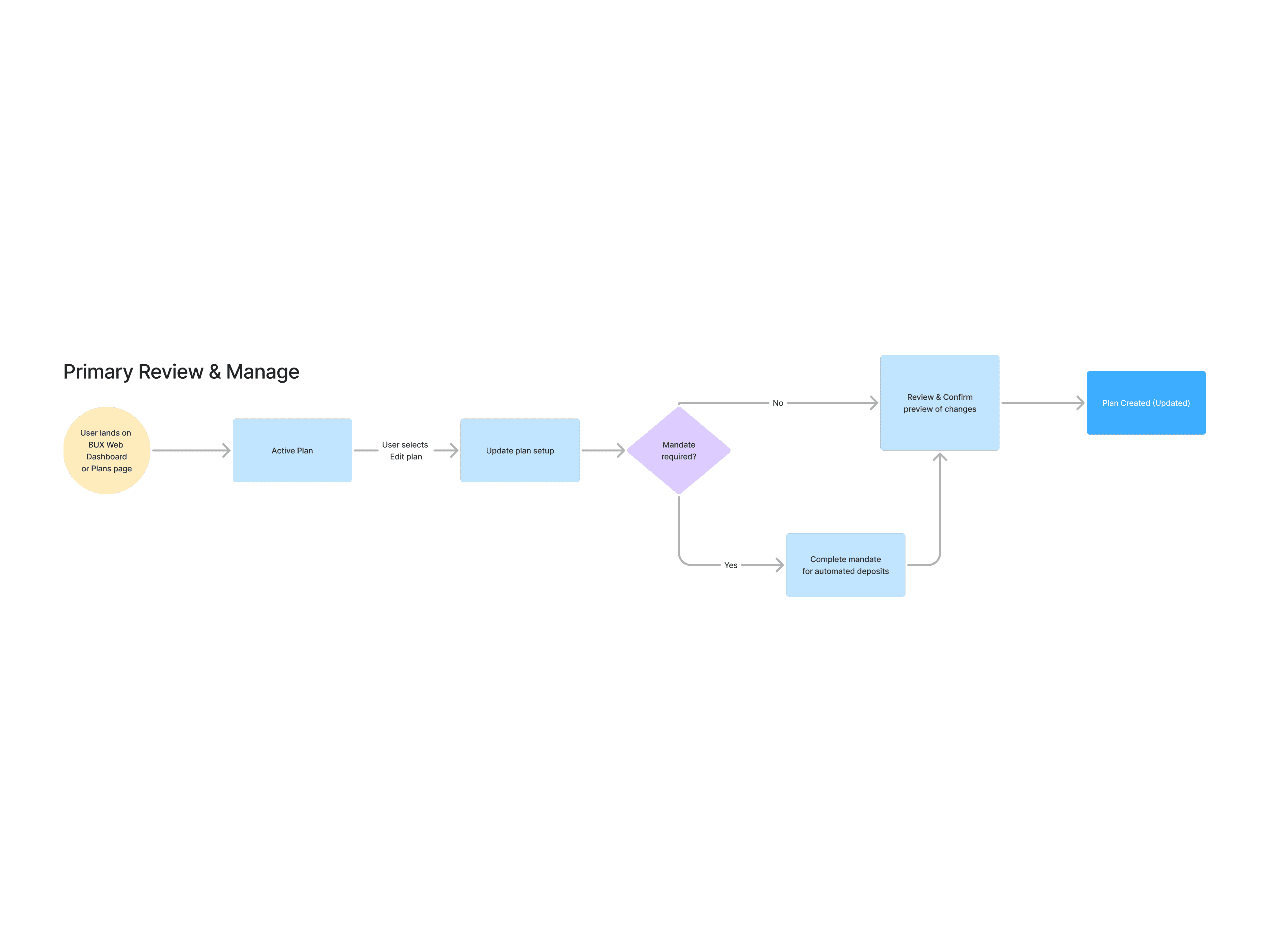
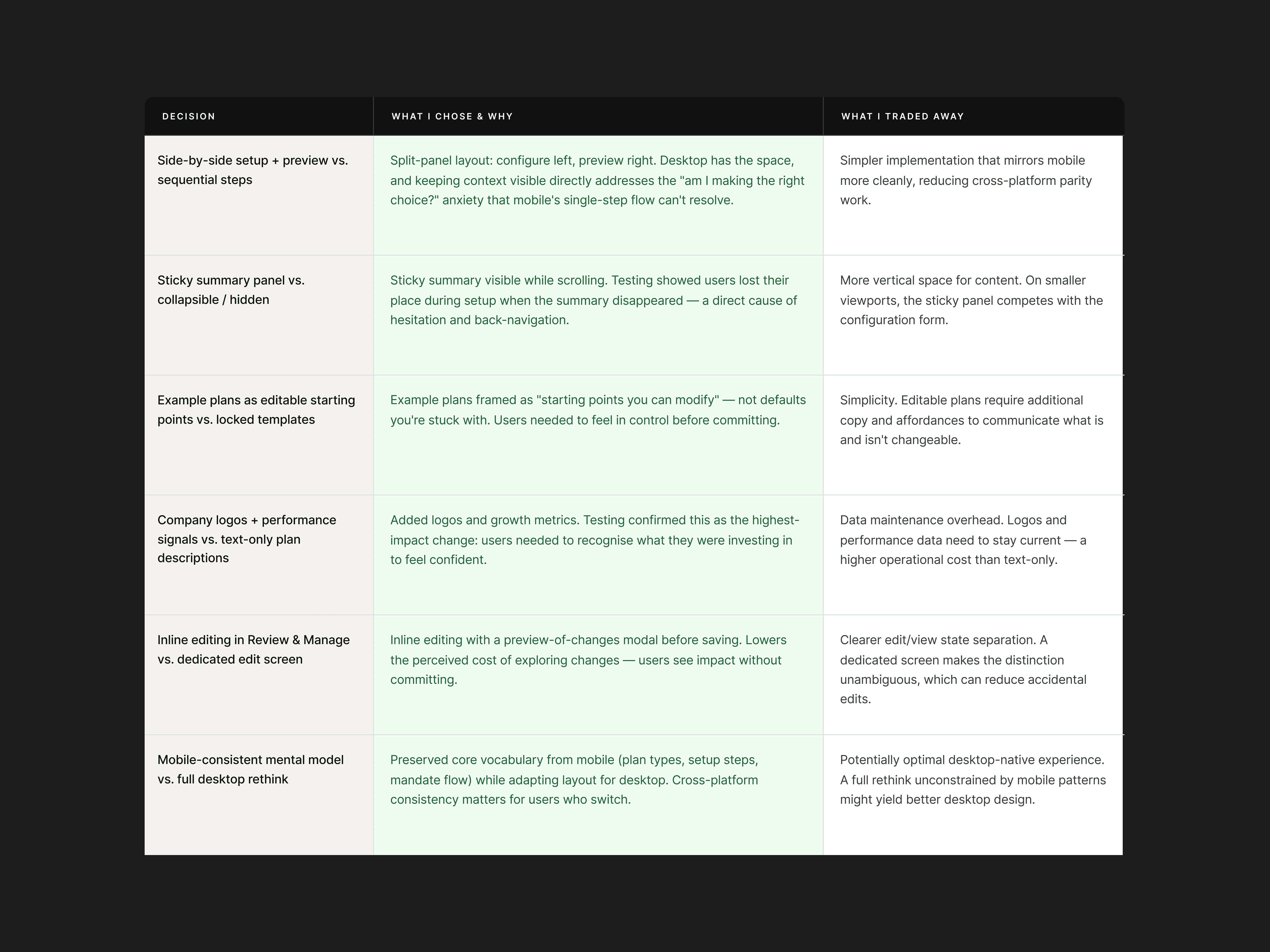
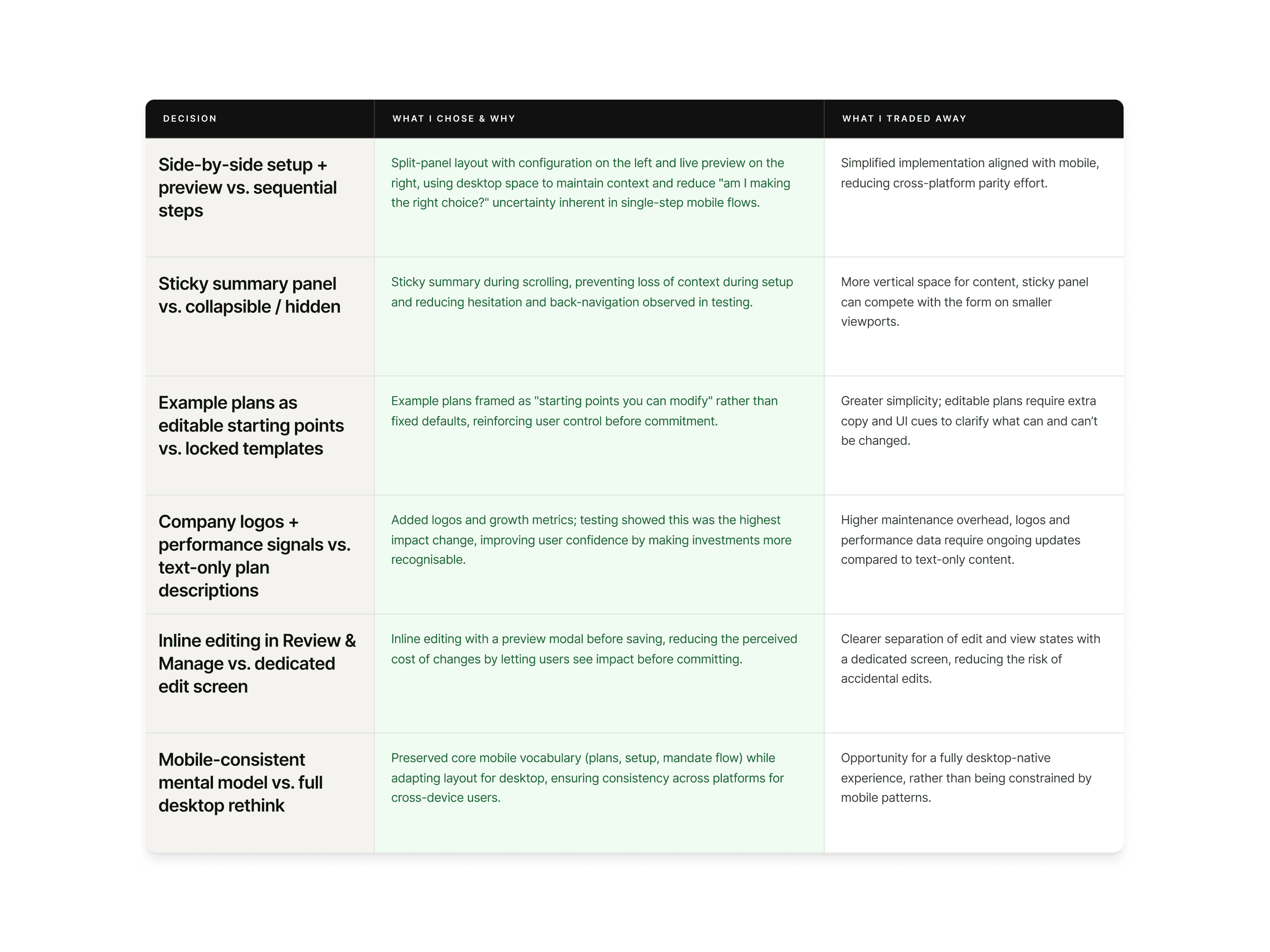
UX Strategy | Key Design Decisions
Some of the decisions I made from a UX and design perspective.
UX Strategy (Desktop Web)
Fewer steps than mobile
Combine steps to streamline the flow without increasing cognitive load.
Group related decisions
Show connected choices together to reduce context switching.
Keep context visible
Keep plan details in view while users make choices.
Key Design Decisions
Live plan preview during setup
Show the impact of changes in real time (summary section).
Clear primary CTA hierarchy
One obvious next step per screen.
Combine info screens + action screens
Let users learn and act at the same time to reduce friction and increase context.
Outcome & Reflection
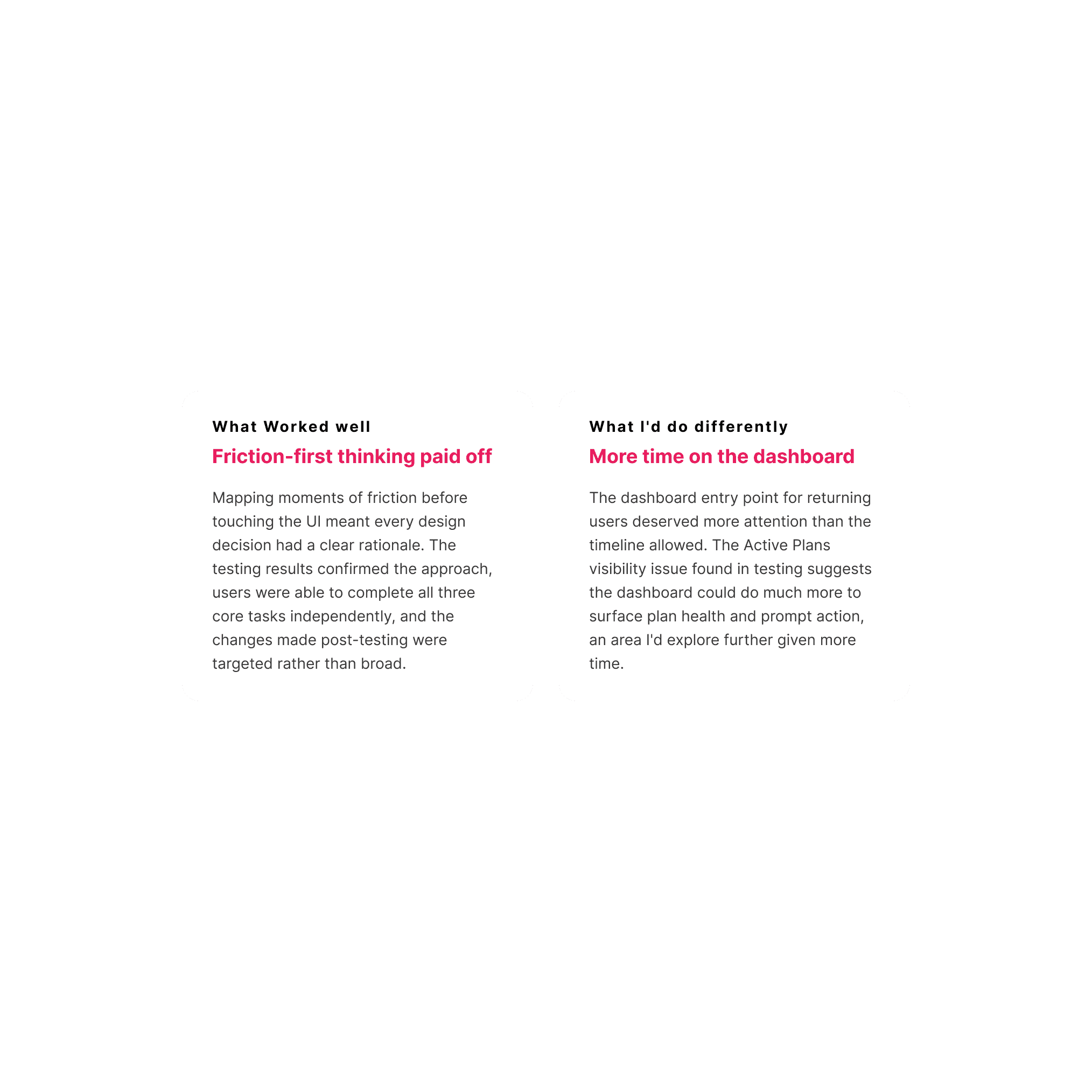
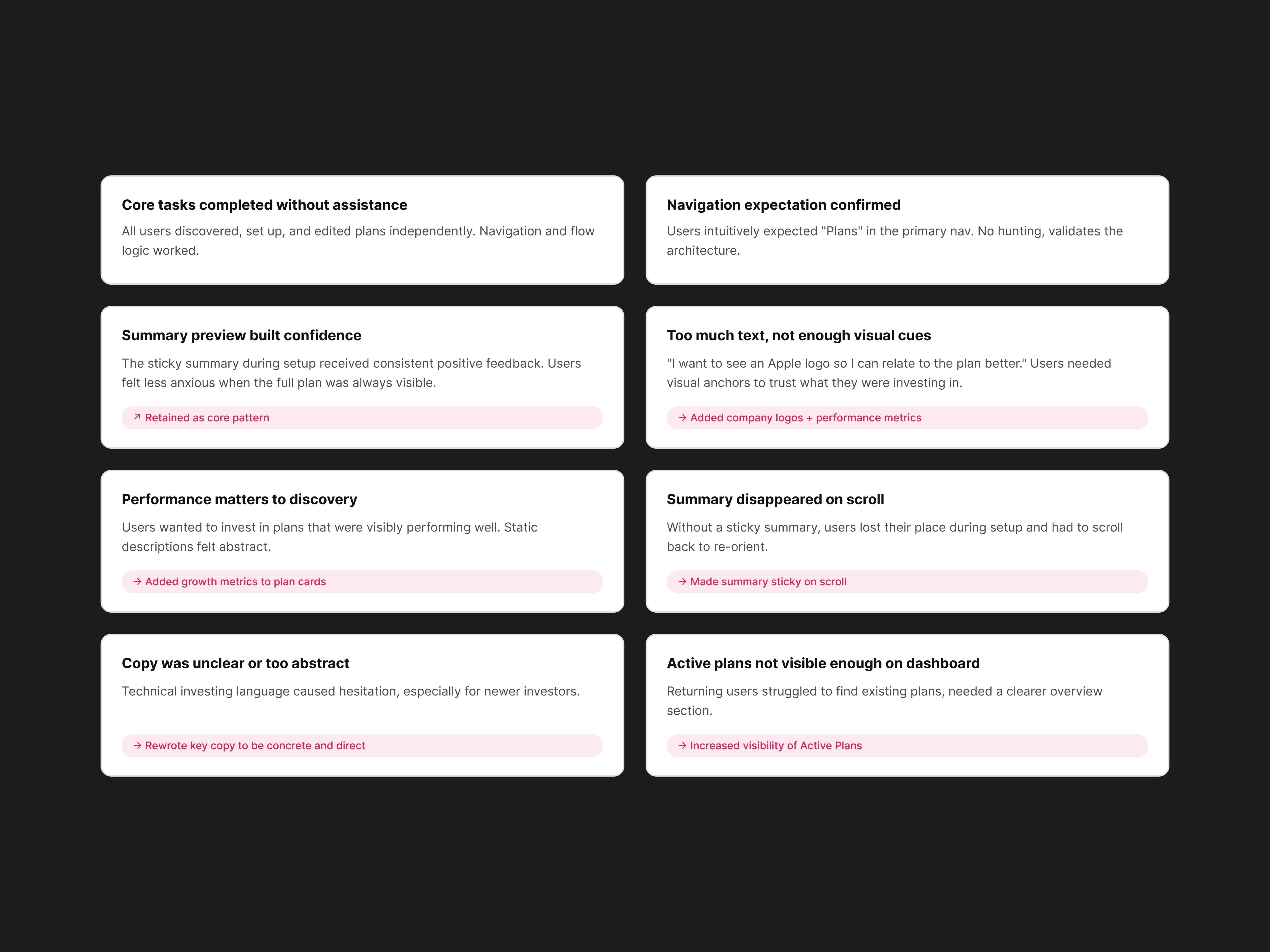
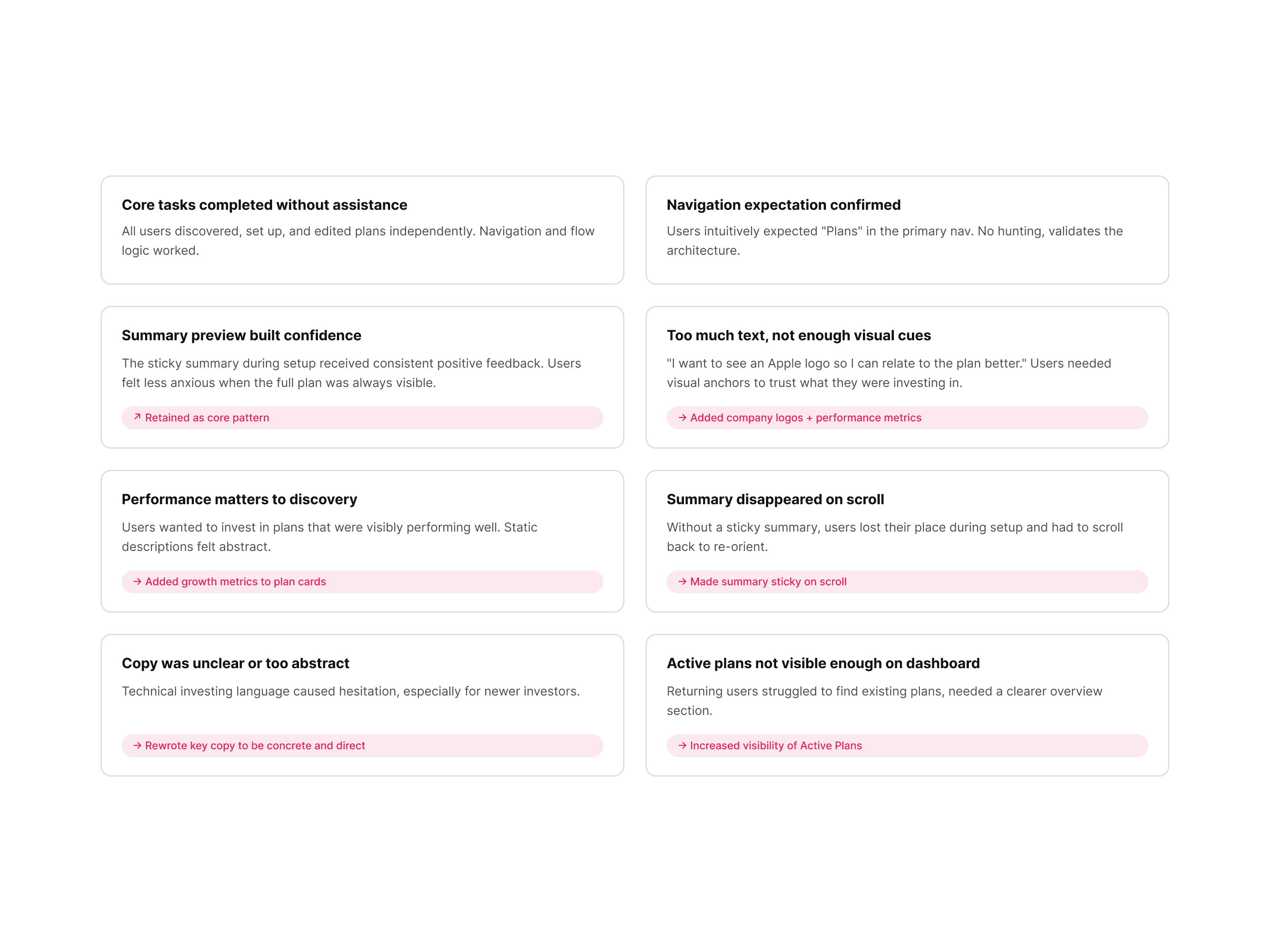
In seven days: a complete zero-to-one design for Investment Plans on BUX Web, three fully mapped user flows, five high-fidelity key screens, a tested and iterated prototype, and a desktop-native experience that preserves cross-platform consistency with mobile.